Ivelix - Old Invoice Import
Import your old invoices in a few clicks
Switching from another invoicing tool? Drop your old invoices as PDFs, they're read and extracted automatically, and you keep your whole history in one place.
Recover your invoicing history without retyping everything
Drop your PDFs, the details are extracted automatically, you check before confirming.
Drop your old invoices
- Drop your PDFs Drag and drop your old invoices (PayPal, Excel, scanned paper, another tool...) straight into the tool.
- Automatic document reading The client, date, original number, line items and amounts are extracted automatically, exactly as printed on the document.
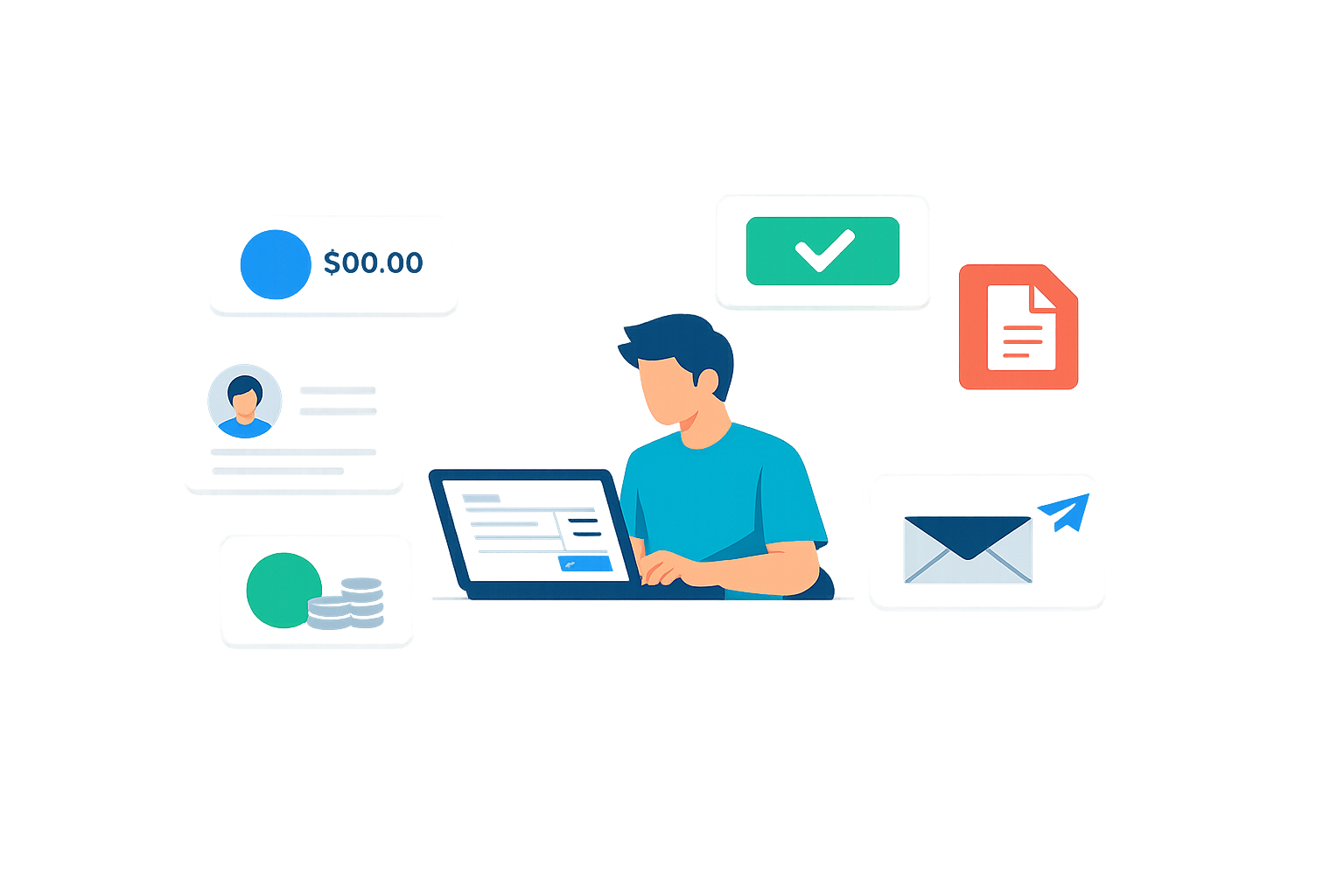
You stay in control
- You review before confirming Every imported invoice goes through a review screen: missing or inconsistent fields are flagged before import.
- History kept Your old invoices stay searchable and downloadable as PDF, clearly marked as imported.
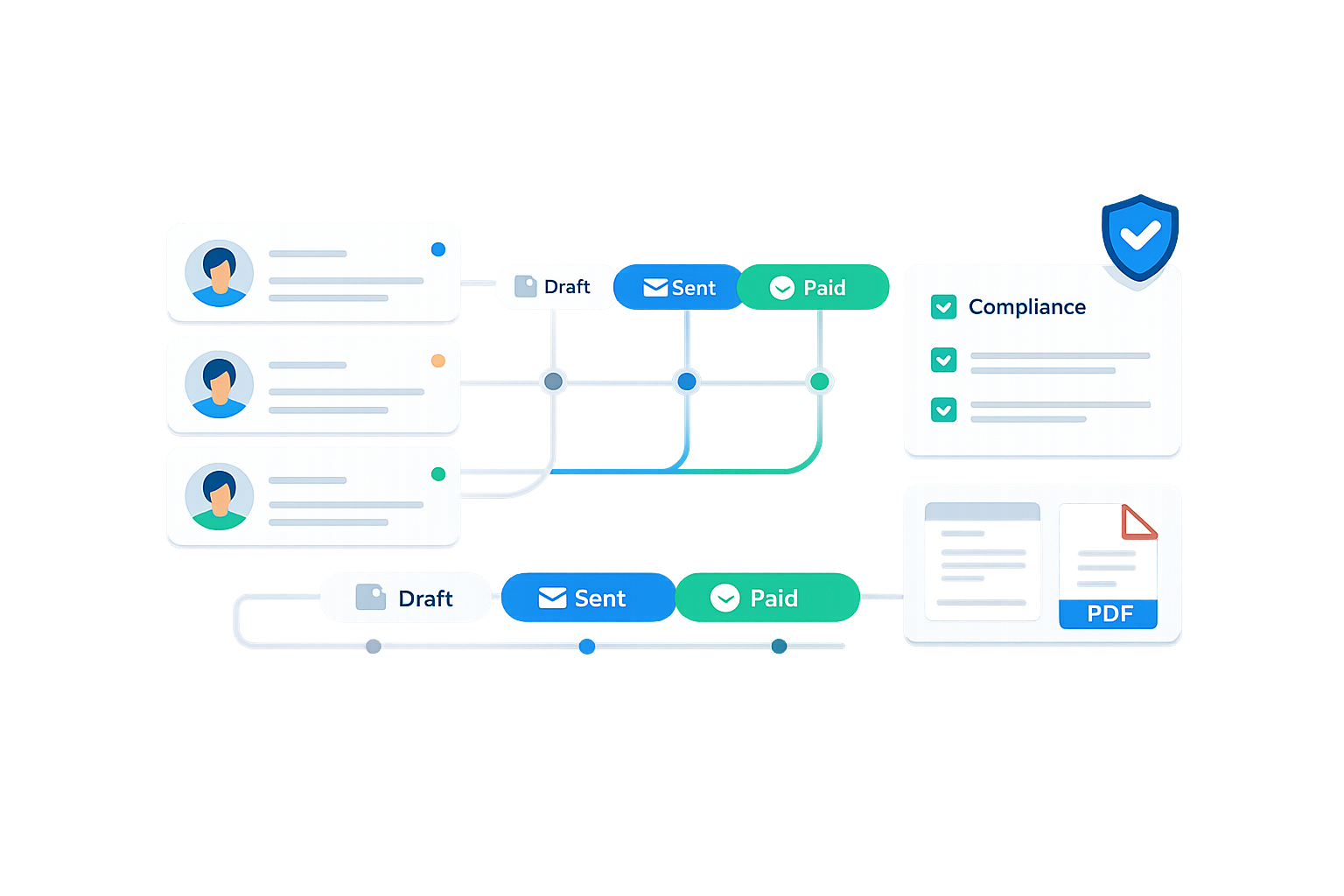
No impact on your numbering
- Legal numbering preserved Imported invoices never enter the sequential numbering counter of your new Ivelix invoices.
- Enabled on request Once your account is created, a simple request is enough to enable it. We support you through your first imports.

Ideal when switching invoicing tools
Leaving another tool
Keep all your old invoices in the same place as your new ones, with no second tool to maintain.
You used to invoice on Excel or paper
Scan and import your old documents to centralize your invoicing history.
You need to pull up an old invoice
An authority asks for an invoice from two years ago? Find it and regenerate its PDF in seconds.
Migrating a large volume
Dozens or hundreds of invoices to carry over? Automatic import saves a considerable amount of time.
Old invoice import: how it works
Switching invoicing tools usually means losing your whole history. Ivelix's old invoice import lets you recover your old invoices (issued through another tool, on Excel, or even scanned paper) without retyping everything by hand.
You drop your PDFs, each document is read and the client, date, original number, line items and amounts are extracted automatically (exactly as printed on the document), never recalculated. You review each invoice before confirming the import, with missing information clearly flagged.
Once imported, your old invoices stay searchable and downloadable as PDF, clearly marked as imported. They never enter the sequential numbering of your new invoices issued through Ivelix: the legal continuity of your numbering stays intact.
This feature is enabled manually, on request from your Ivelix account, so we can support you through your first imports. Create your free account to request it.
Start for free
Creating an account is free. Old invoice import is enabled on request from your account.
$0
/month- 1 organization
- Unlimited clients
- Unlimited quotes & invoices
Ready to recover your invoicing history?
Create your account in a few minutes, then request import to be enabled.
Free activation on request • You review every import • History kept and downloadable