Ivelix - Invoicing & AI
Create your quotations by chatting with Claude
Describe your project in plain language: Claude works out the price, structures the line items and creates the quotation directly in Ivelix. You stay in control, the AI does the typing.
An assistant, not a no-code tool
How does it actually work?
A native connector (MCP) connects to your Claude account once: your Ivelix tools (quotations, invoices, clients...) then stay available in every conversation, with nothing to paste in again.
Without the connector, you can also paste your Ivelix API key and the documentation link directly into a conversation. Either way, you describe your project like you would to a colleague: Claude drafts the line items and calls the Ivelix API, with automatic VAT calculation and built-in compliance, the same engine as the backoffice.
Why Claude instead of a form?
A quotation with several line items, a discount, a daily rate takes time to type by hand. By describing the need in one sentence, you let Claude structure the line items.
You review and send, instead of clicking field by field.
Recommended: connect the native Claude connector to your Ivelix account once (requires an Ivelix account), instead of pasting your API key into every conversation.
How to create a quotation with Claude in 3 steps
From your API key to sending the quotation
Give Claude your API key
- One click: Generate your API key from the "API" section on your profile page.
- Two options: Connect the native connector once, or paste the key with the documentation link into a conversation.
- Automatic discovery: Claude reads the available endpoints and knows how to use them.

Explain your project in plain language
- Like talking to a colleague: The client, the work, the price, no technical jargon.
- Automatic structuring: Claude organizes the line items (hourly, daily, flat rate...).
- No spreadsheet: No field-by-field data entry.
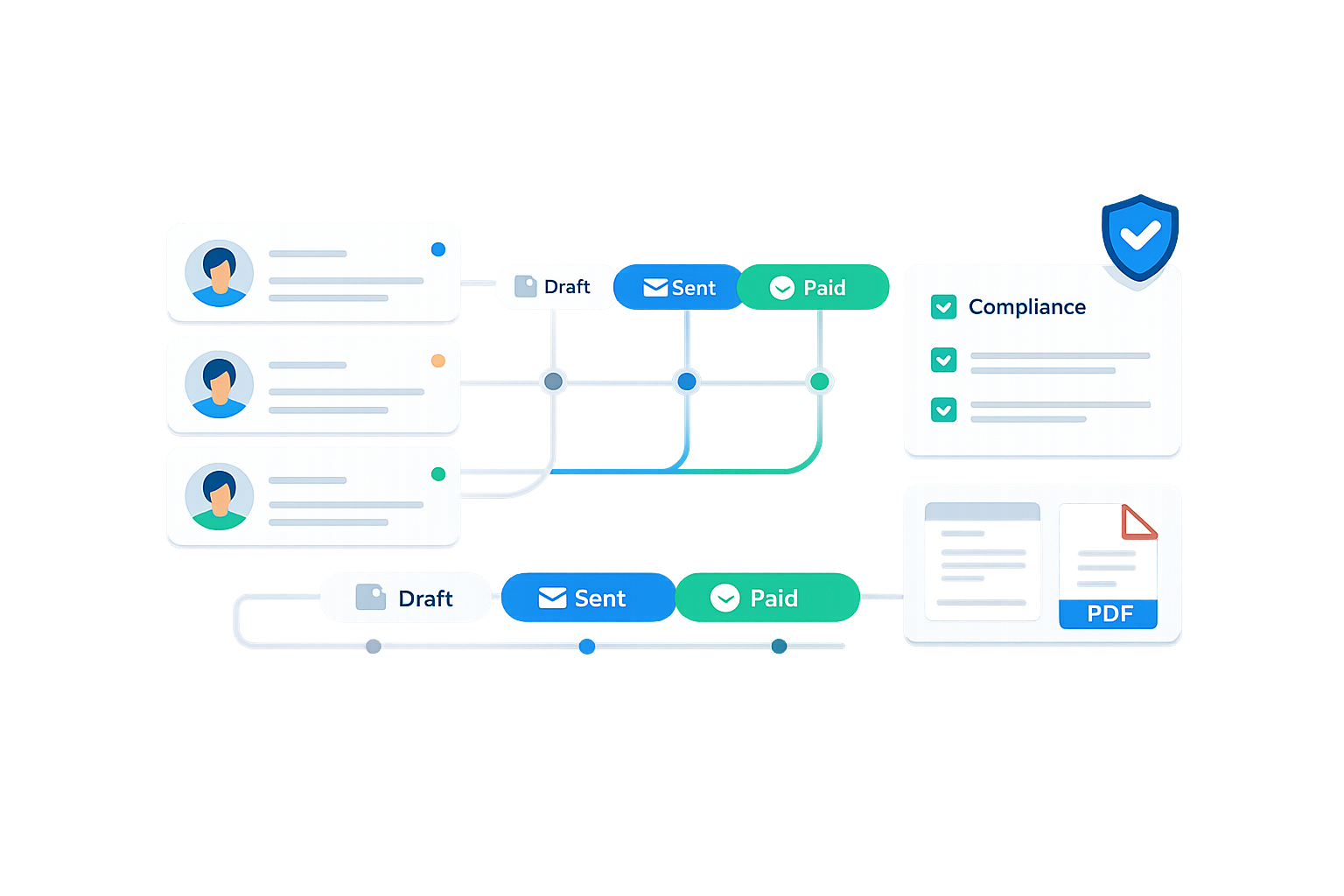
Get the link to your generated quotation
- Created via the API: Claude calls Ivelix directly, no need to open the backoffice.
- Automatic compliance: VAT, numbering and legal notices handled by Ivelix.
- Ready to send: Review it and send it to your client in one click.

What you can ask Claude
A few concrete examples
Quote a project on the spot
Describe a job in one sentence, Claude works out the price and creates the quotation while you're still on the phone with the client.
Revise an existing quotation
Ask Claude to adjust a line item, add a discount or change the currency without starting the quotation over.
Respond to a call for tenders
Paste the specification document and let Claude propose a quotation structure for you to review.
Compare several scenarios
Ask for several versions of the same quotation (with or without an option) before choosing which one to send.
Want to automate beyond the conversation?
Claude is great for creating a quotation in plain language. To connect Ivelix to your other tools with automatic triggers, check out our dedicated pages for Make and Zapier, or our API and webhooks documentation for a direct connection.
Try Claude + Ivelix today
Generate your API key, open a Claude conversation and create your first quotation in minutes.
Personal API key • Automatic VAT compliance • Available on the Enterprise plan


Frequently asked questions about Ivelix and Claude
Everything you need to know before getting started