Ivelix - Invoicing & Make
Automate your invoicing with Make
Plug Ivelix into your Make scenarios: create a quotation as soon as a deal is won, notify your team on every payment, keep your tools in sync, with no code required.
Two ways to connect Ivelix to Make
What is the Make integration?
Make (formerly Integromat) is a no-code automation platform. Ivelix offers a dedicated private Make app (named modules: quotations, invoices, clients...) added in one click via an invite link, the fastest way to get started.
For a fully custom scenario, the generic building blocks are still available: webhooks (Custom Webhook module, notified on every event) and the REST API (HTTP module).
Why connect Ivelix to Make?
You're already using Make for your CRM, forms or messaging. By plugging Ivelix in, your invoicing joins the rest of your stack.
No more re-entering data between tools, no more manual payment tracking.
The fastest way: add the private Ivelix Make app to your account via an invite link, then follow the Make connector tutorial (requires an Ivelix account).
Or connect Ivelix to Make in 3 steps, no app to install
Generic method via webhook and REST API
Generate your API key
- One click: From your Ivelix profile, "API" section, generate your key.
- Simple authentication: Use it as an `Authorization: Bearer <key>` header on every Make call.
- Interactive docs: Test it right away from the Swagger documentation.
Receive an event in Make
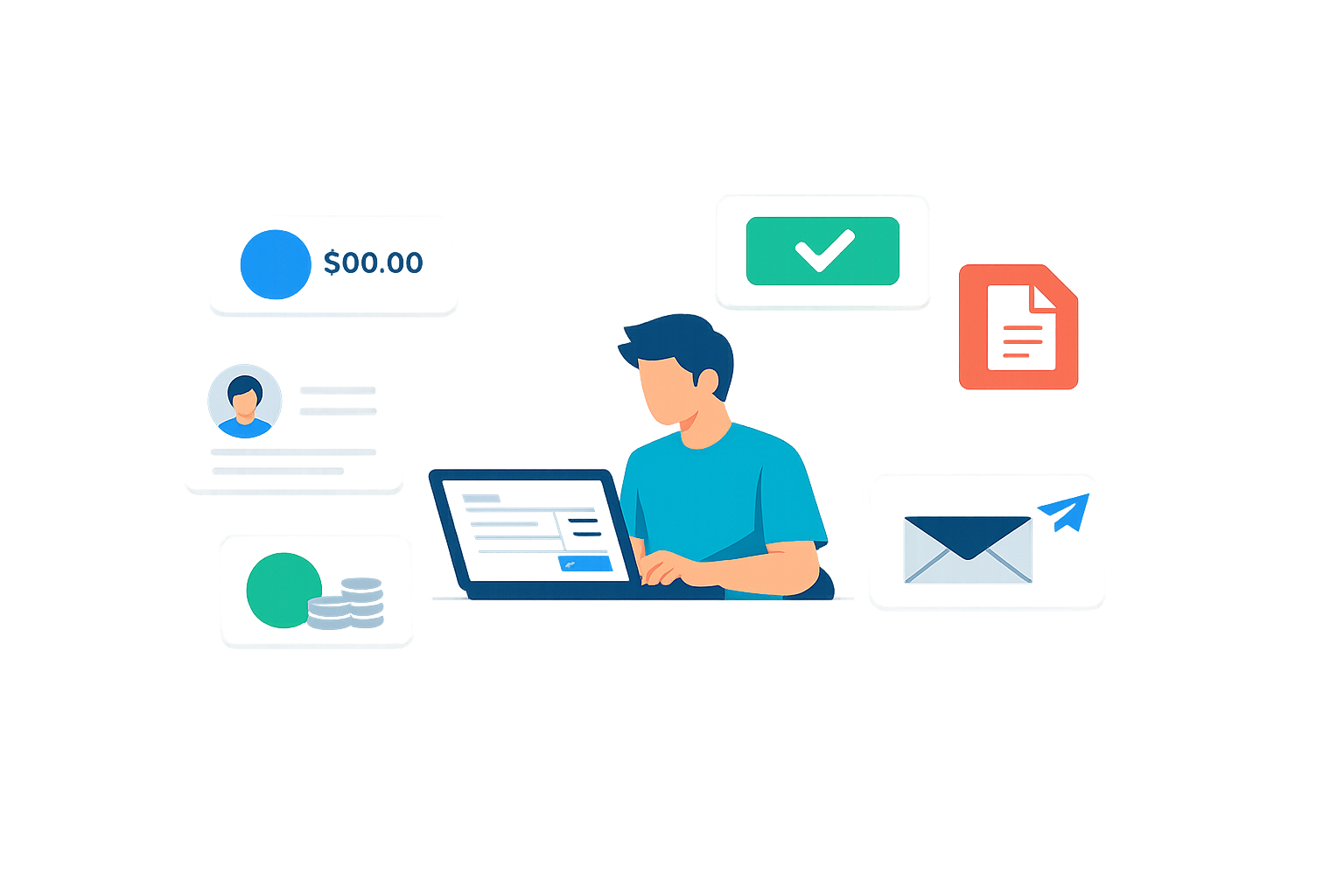
- Custom Webhook module: Add it to your Make scenario.
- URL to paste: Paste the generated URL into Ivelix (Developer → Webhooks).
- Targeted event: Choose what to listen for: quotation accepted, invoice paid...
Create a document from Make
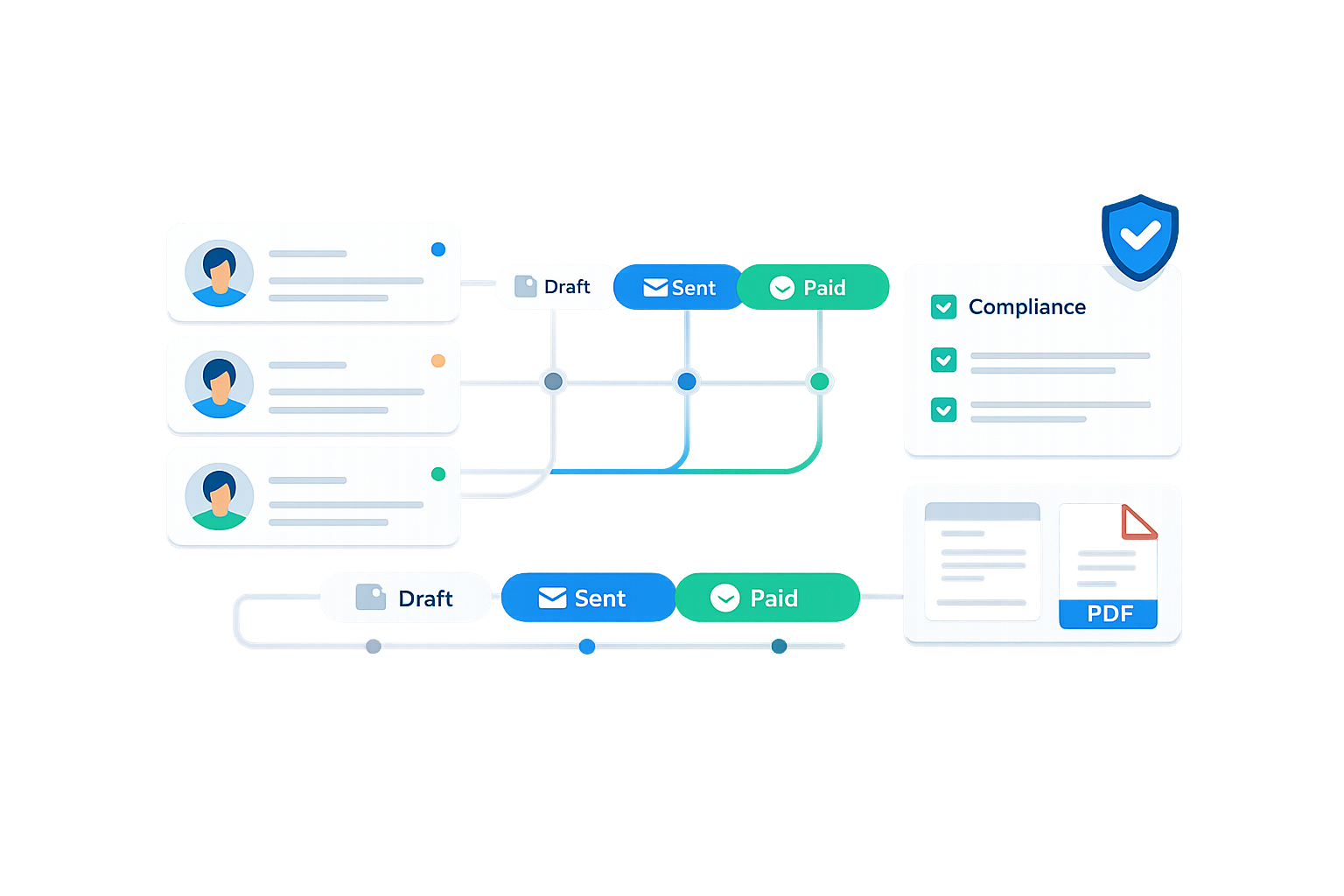
- HTTP module: Add it to your scenario to call the Ivelix API.
- Quotation or invoice: Create the document with the right billing lines.
- Automatic compliance: VAT, numbering and legal notices handled by Ivelix.

Real automations with Make
A few examples for your business
CRM → Quotation
An Ivelix quotation automatically created as soon as a deal is marked "won" in your CRM.
Payment → Notification
A Slack or email notification as soon as an invoice is paid, with no need to open your backoffice.
Form → Quotation
A lead filling out a form automatically triggers the creation of a quotation.
Overdue invoice → Follow-up
Detect an overdue invoice via webhook and trigger your own follow-up process.
Prefer Zapier, or a direct API connection?
Make isn't your only option: Ivelix also connects to Zapier using the same mechanics, or directly to your own stack via our API and webhooks documentation.
Connect Ivelix to Make today
Generate your API key and set up your first scenario in minutes.
Real-time webhooks • Key-based REST API • Available on the Enterprise plan


Frequently asked questions about Ivelix and Make
Everything you need to know before connecting your scenarios