Ivelix × Stripe Connect
Let your clients pay their invoices online, directly from the invoice
Connect your Stripe account to Ivelix. Every issued invoice shows a "Pay online" button, your client pays in one click, money goes straight to your Stripe account.
From invoice to payment, without leaving Ivelix
Create your invoice, connect your Stripe, share the link, your client does the rest.
Connect your Stripe account in a few clicks
- Connect Stripe in a few clicks From your organization page, click "Connect a Stripe account". You're redirected to Stripe to complete onboarding, then automatically sent back to Ivelix.
- Multiple Stripe accounts per organization Have multiple businesses or activities? Connect as many Stripe accounts as needed. Choose the right account on each invoice.
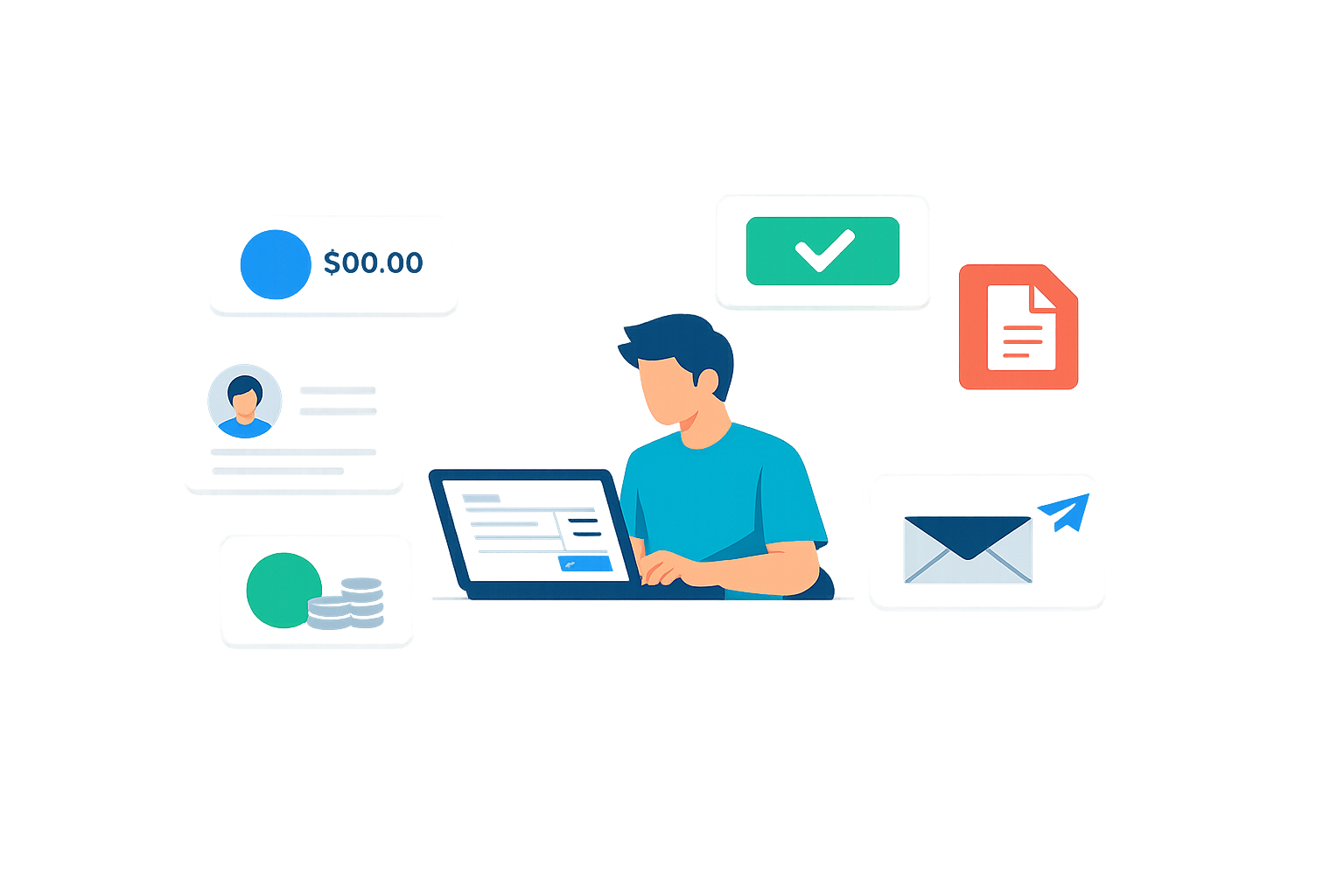
Your client pays in one click from their invoice
- "Pay online" button on every invoice Once your invoice is issued, the public link automatically shows a "Pay online" button. Your client is redirected to a secure Stripe Checkout page.
- Invoice marked as paid automatically As soon as Stripe confirms the payment, Ivelix updates the invoice status, sends a confirmation email to your client and notifies you.
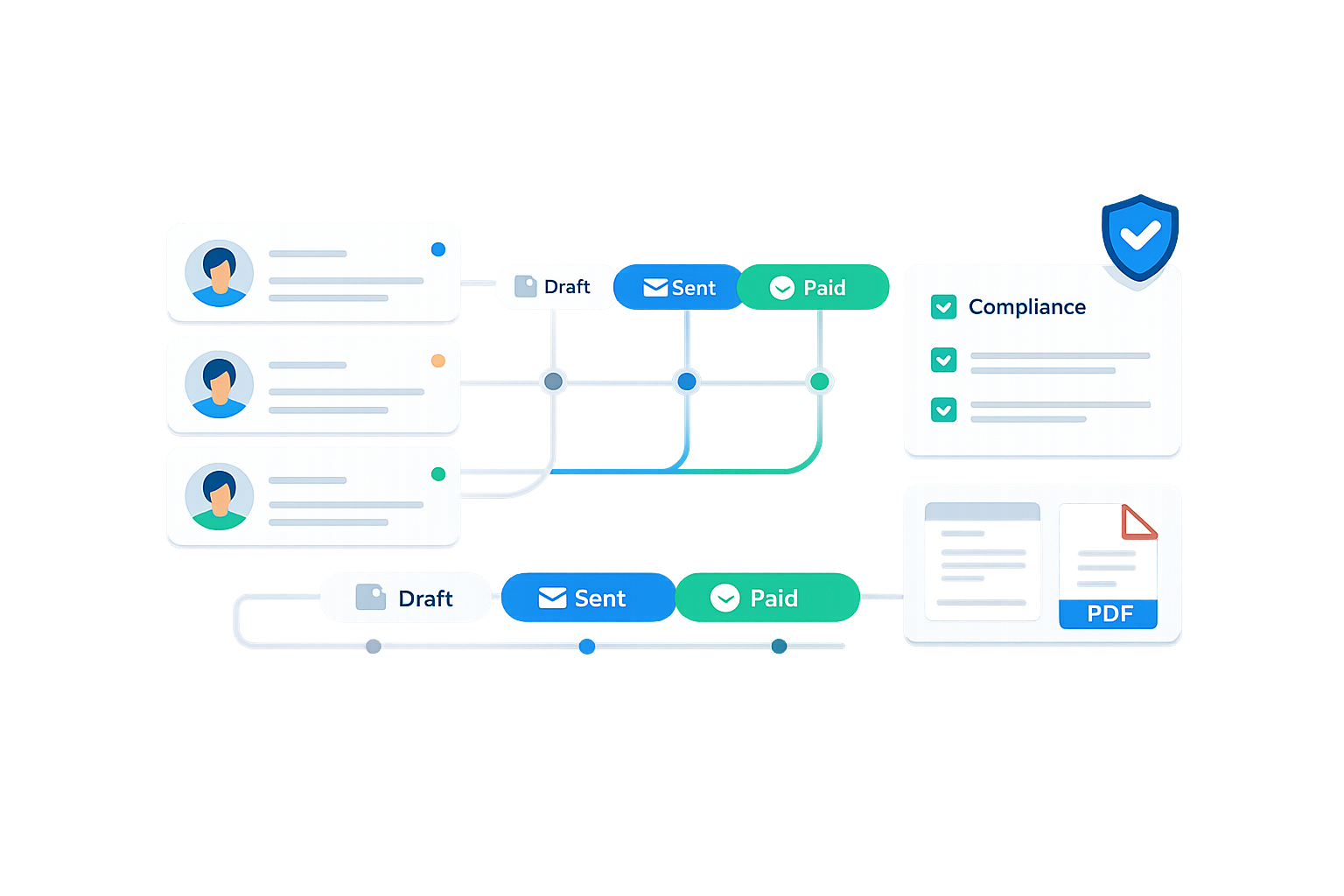
Refund without leaving Ivelix
- Built-in refund Need to refund? Click "Refund via Stripe" in the backoffice. The refund is triggered on Stripe and a credit note is created automatically, tax compliance guaranteed.
- Money goes directly to your account Ivelix is not a financial intermediary. Money goes directly from your client to your Stripe account, no Ivelix cut, no transit.

Who uses online invoice payment?
Freelancers and consultants
Send your service invoice with a payment link. Your client pays online in seconds, no wire transfer, no cheque.
Agencies and studios
Quote accepted → invoice issued → payment link shared. Collect deposits and final payments without chasing.
Coaches and trainers
After your session or course, send the invoice with the payment button. Your client pays immediately from their email.
Multi-business
Manage multiple organizations with separate Stripe accounts. Each invoice is collected on the right account.
Online invoice payment: how it works
The feature is built on Stripe Connect Standard: when you connect your Stripe account to Ivelix, Stripe creates a separate connected account. Your clients' payments flow through this connected account and land directly in your Stripe, Ivelix never touches the money. That's the key difference from solutions that take a cut on every transaction.
The invoice is the starting point of the payment. You create it in Ivelix, issue it, share it with your client. The public invoice link automatically shows a "Pay online" button as long as the invoice isn't settled. Once payment is confirmed, the status updates to "paid", sequential numbering and tax compliance preserved.
For refunds, Ivelix handles both sides: the Stripe transaction (refund triggered directly from the backoffice, no need to log into the Stripe dashboard) and the tax document (credit note created automatically, linked to the original invoice). You can also refund by another means and simply "mark as refunded" to create the credit note without triggering a transaction.
Pricing
Online invoice payment is available on the Enterprise plan.
€0
/month- 1 organization
- Unlimited clients
- Unlimited quotes & invoices

€4.99
/month- 5 organizations
- Unlimited quotes & invoices
- Export & Import
- PDF generation
- Document storage
- Email sending
- Stripe synchronization
- Electronic signature
- Public API
- Webhooks
- Claude, Make & Zapier connectors
- Standard support

€19.99
/month- Everything in Pro
- 20 organizations included
- Extra organization: €1.50/month
- Online invoice payment
- Built-in Stripe refund
- Multi Stripe Connect accounts
- AI features
- Priority support

Start collecting your invoices online
Create your account, connect your Stripe and share your first invoice with a payment button.
One-click payment for your client • Money directly to your Stripe • Tax compliance guaranteed